


Skip to content
flavi

Put anyone in your favorite scene.

You, your friends, or a character you invent. Every line and move kept, in their own voice.

15 free credits, no card needed. Real people only with their OK. No public figures. No minors.

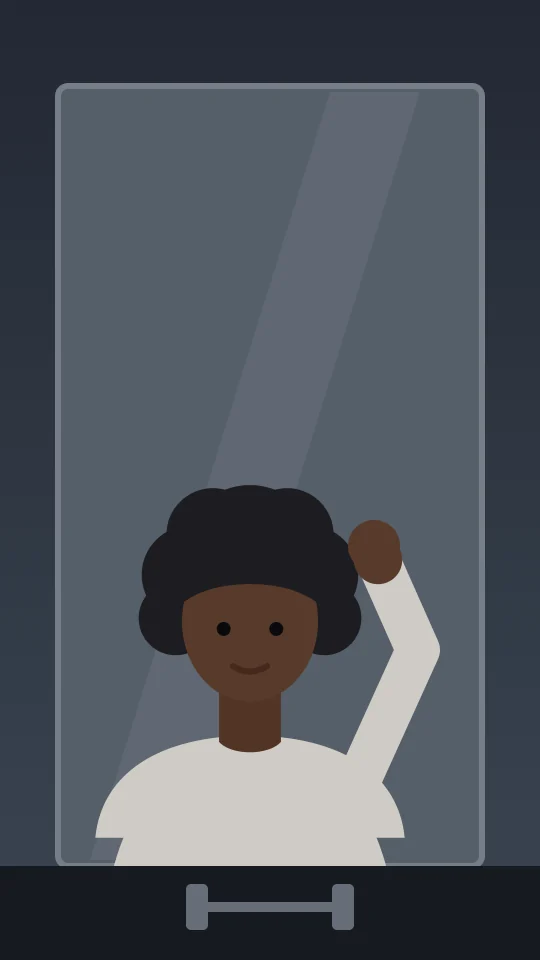
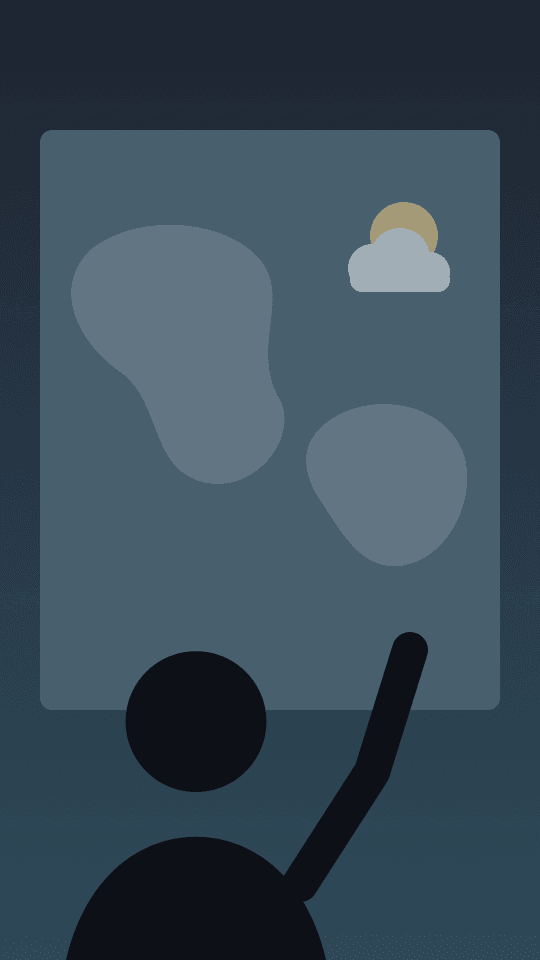
Sample illustration · Kitchen confession

Start from a ready clip.

Pre-tested scenes that work well with Flavi. Or upload your own, up to 30 seconds.

Browse all clips

From their clip to yours.

Two choices per clip: the clip, and who goes in. Flavi handles the dialogue, the motion and the render.

  1. Step 1: Make your avatar

    A selfie and about a minute of reading aloud. You do it once, and it's ready for every clip.

  2. Step 2: Pick a clip and who to replace

    Upload up to 30 seconds or start from a ready clip, then tap the person you're replacing. Prep is free.

  3. Step 3: Get your scene in your voice

    A 480p draft first, with every line re-spoken in your voice. Happy with it? Finish in 720p or 1080p.

Their lines, your voice.

Flavi writes down every line and every move first, so the new take hits the same words on the same beats.

Every word, on time
The dialogue is transcribed with timestamps and goes straight into the render.
Your own voice, not a filter
About a minute of reading aloud clones your voice. The original lines are re-spoken in it, over the original music.
Change up to 3 lines
A new hook or a call to action, spoken in your voice and lip-synced. +1 credit per second.

Rooftop. Dusk. City lights behind.

0s Walks in from the right, looking back over the left shoulder.

1s Stops centre, turns to camera, smiles. Right hand rises to chest height.

YOU 1.2s

Okay, so this is the spot I've been telling you about.

2s Points at the skyline, arm extended. (Camera: slow pan right.)

YOU 3.0s

Best view in the whole city. No question.

More than a face swap.

Flavi tracks everyone in the clip, keeps the scene as it was, and gives you the tools to get each take right.

  • Who's in this clip

    Flavi follows everyone through the whole clip and matches each line to who says it. Name them, pick who to replace, keep the rest.

  • Products in hand

    Add up to 2 product photos. The person holds one, or it replaces something in the scene. No extra credits.

  • Characters you invent

    A person who doesn't exist. Describe a look and a voice, then pick from 4 faces and 3 voices. 5 credits.

  • TikTok-ready export

    Vertical 9:16, captions from the transcript, a hook line and an original-and-you split. Free on every render.

  • Fix a moment

    Re-render only the seconds that went wrong, not the whole clip. Everything else stays as it was.

  • Versions for ads

    Make 2 to 10 versions with other people or products in one go. Each one is a normal draft.

  • Licensed talent

    Creators who license their likeness, with their fee per second on the button before you render.

Same scene. Someone new in it.

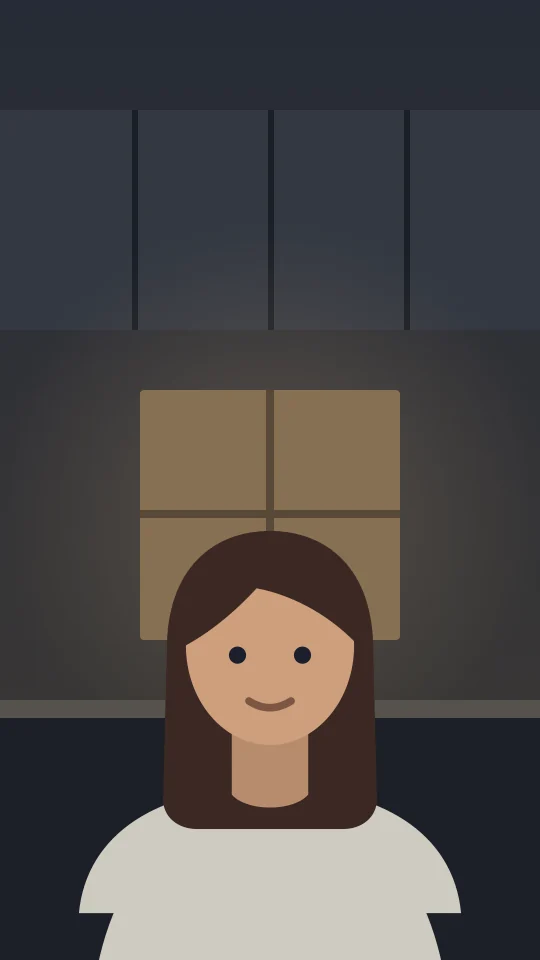
The camera, the light, the timing and the music stay as they were. The person and the voice change.

Kept

  • Every line, on its beat
  • Every move and camera turn
  • The setting and the light
  • The music underneath

Changed

  • The person, face and body
  • The voice, cloned from yours
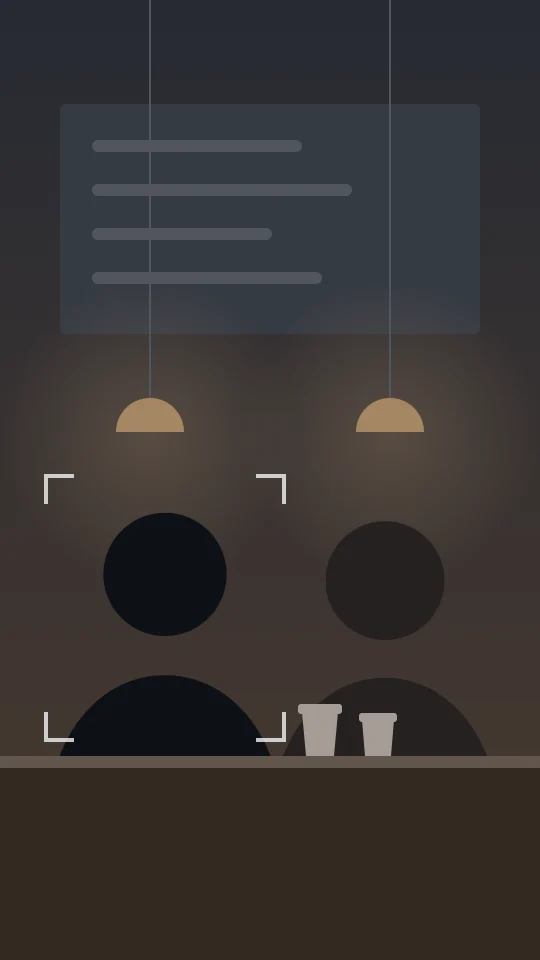
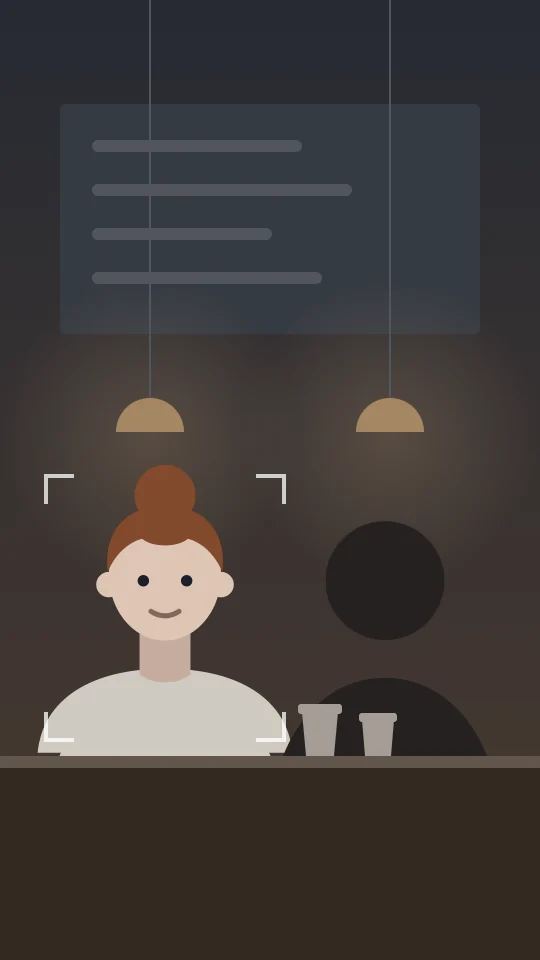
Your takeOriginal
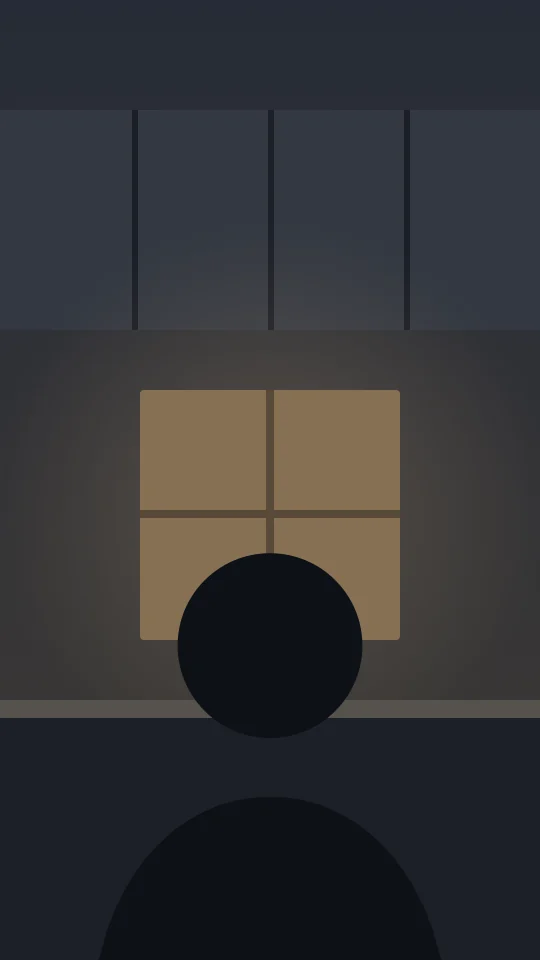
Sample illustration · Rooftop toast. Drag, or use the arrow keys.

Pay for the seconds you render.

Prep, the transcript and the voice match are free. Start with 15 free credits, enough for a 10-second draft.

See pricing
480p draft
1.5credits a second
720p finish
3credits a second
1080p finish
6credits a second

Buy any amount from $0.60 down to $0.38 a credit. Bought credits never expire.

Built on consent.

Real people only with their OK. No public figures. No minors.

  • Real people only with their OK

    Everyone in a video is you, someone who said yes with a live selfie, a licensed creator, or a character who doesn't exist.

  • No public figures, no minors

    Every face is checked on every clip. Characters are checked to look like nobody real and to be adults.

  • Labelled as AI

    Every export carries AI-content metadata. Free exports also show a Made with Flavi mark.

  • Failed renders cost nothing

    Credits are held when a render starts and charged only when it finishes. If it fails, they come back.

  • Bought credits never expire

    Use them next week or next year. Plan credits roll over for up to 2 months.

  • Fast or free

    Drafts up to 15 seconds are ready in 15 minutes, or they're free.

License your likeness. Earn per use.

Creators set a fee from 1 to 10 credits per second, choose personal clips, ads or both, and can approve each clip. You earn 70% of every fee.

Questions people ask first

Something else? Credit questions are on the pricing page.

Can I put my friend in a video?

Yes, with their OK. Send them an invite link. They take a live selfie on their phone, say yes, and can take it back any time. Nobody goes in without saying yes.

What is a character?

A person who doesn't exist. Describe a look and a voice, then pick one of 4 faces and one of 3 voices. It costs 5 credits and is checked so it doesn't look like anyone real.

Can I put a celebrity in?

No. Public figures and minors are never allowed, and every face is checked. Creators who license their likeness on Flavi are the way to work with a known face.

What makes a good clip?

One clearly visible person, up to 30 seconds, with the face not hidden for long. Talking-head clips prep the fastest.

Does it keep the music?

Yes. Flavi separates the voice from the music, re-speaks the lines in the new person's own voice on the original timing, and puts the music back underneath.

What happens if a render fails?

Your credits come back automatically and a refund line appears in your history. You decide whether to try again.

Who owns what I make?

You do. You're responsible for having the rights to the clip you upload.

Flavi for iPhone is coming.

Clips from your camera roll, renders on your Lock Screen, sharing straight to TikTok. Same account, same credits. Join the waitlist for a TestFlight invite.

We use your email only for your TestFlight invite and the App Store launch, then delete it. Privacy

Demo mode: this list lives in your browser. Nothing is sent or saved.

No need to wait: Flavi already works in your phone's browser. More about the app

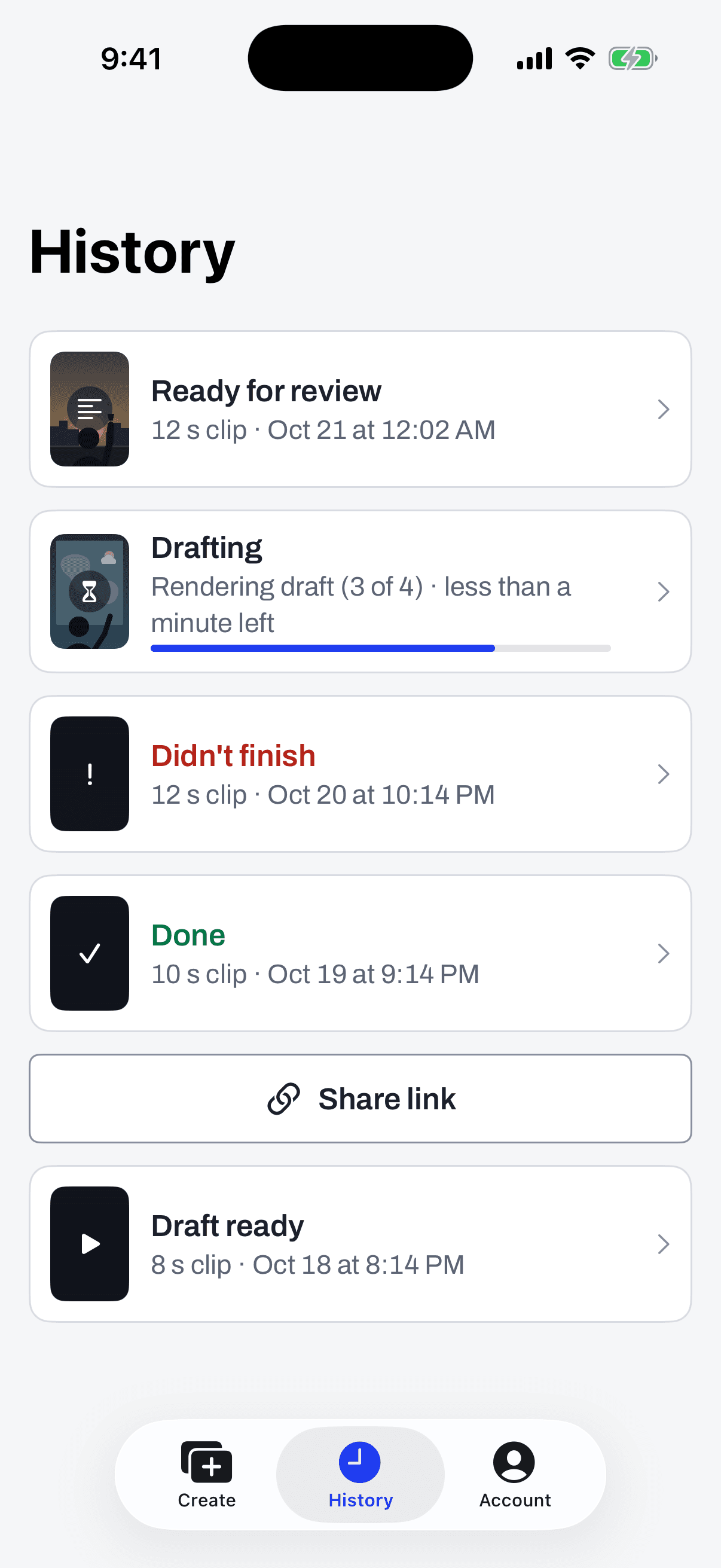
History: a draft rendering, one ready for review, one done
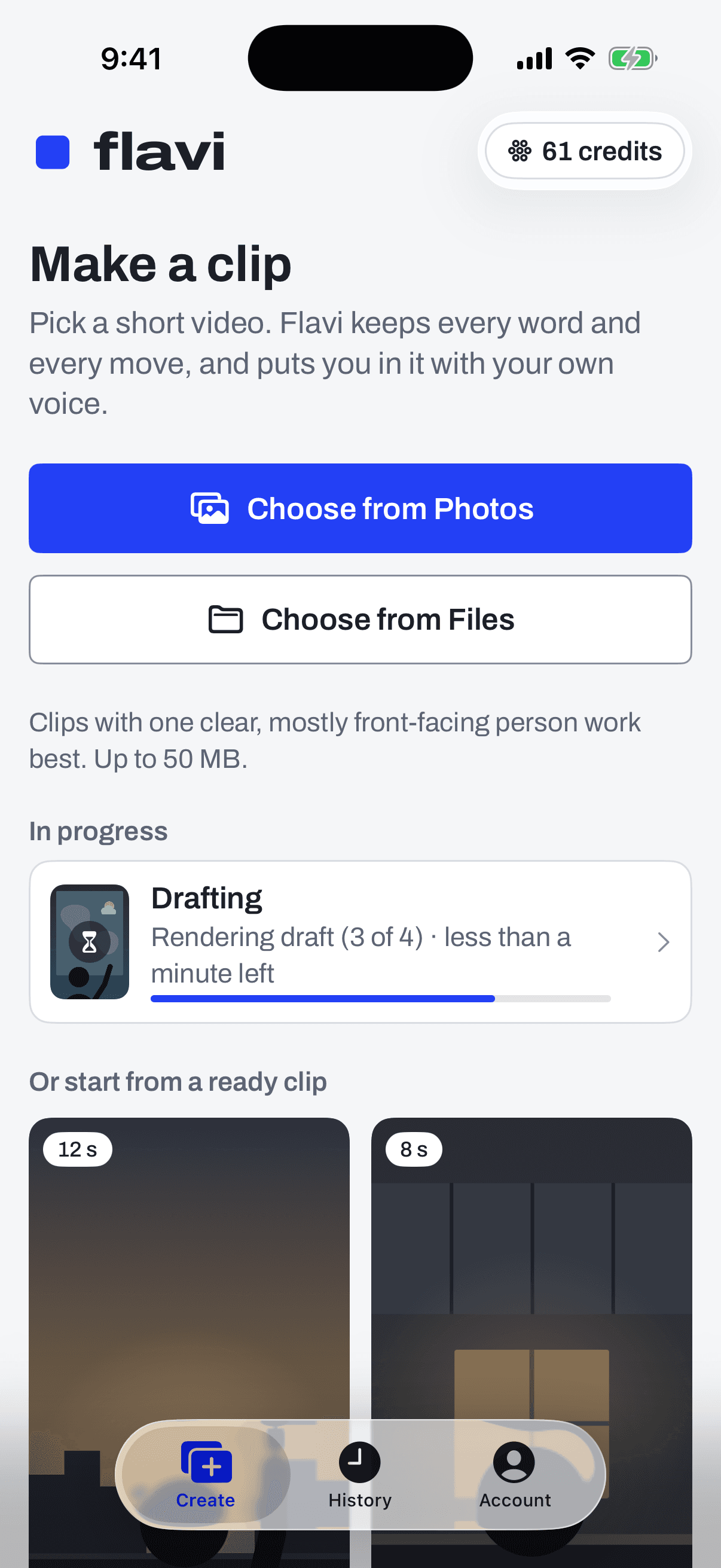
Make a clip: choose from Photos or Files, with a draft rendering below
Screens from the app, with sample data.

Put anyone in your favorite scene.

Start with 15 free credits. No card needed.

Start free

Real people only with their OK. No public figures. No minors.